
Upload your photo
Choose the photo you want to use from your phone or computer.
For passports, IDs, online applications and photo printing.

No complicated sizing. Choose a photo and create the right file for your needs.
Choose the photo you want to use from your phone or computer.
Select a use, then fine-tune the face position and zoom.
Save files for online applications, IDs or photo printing.
Your photo is processed in your browser and never sent outside your device.
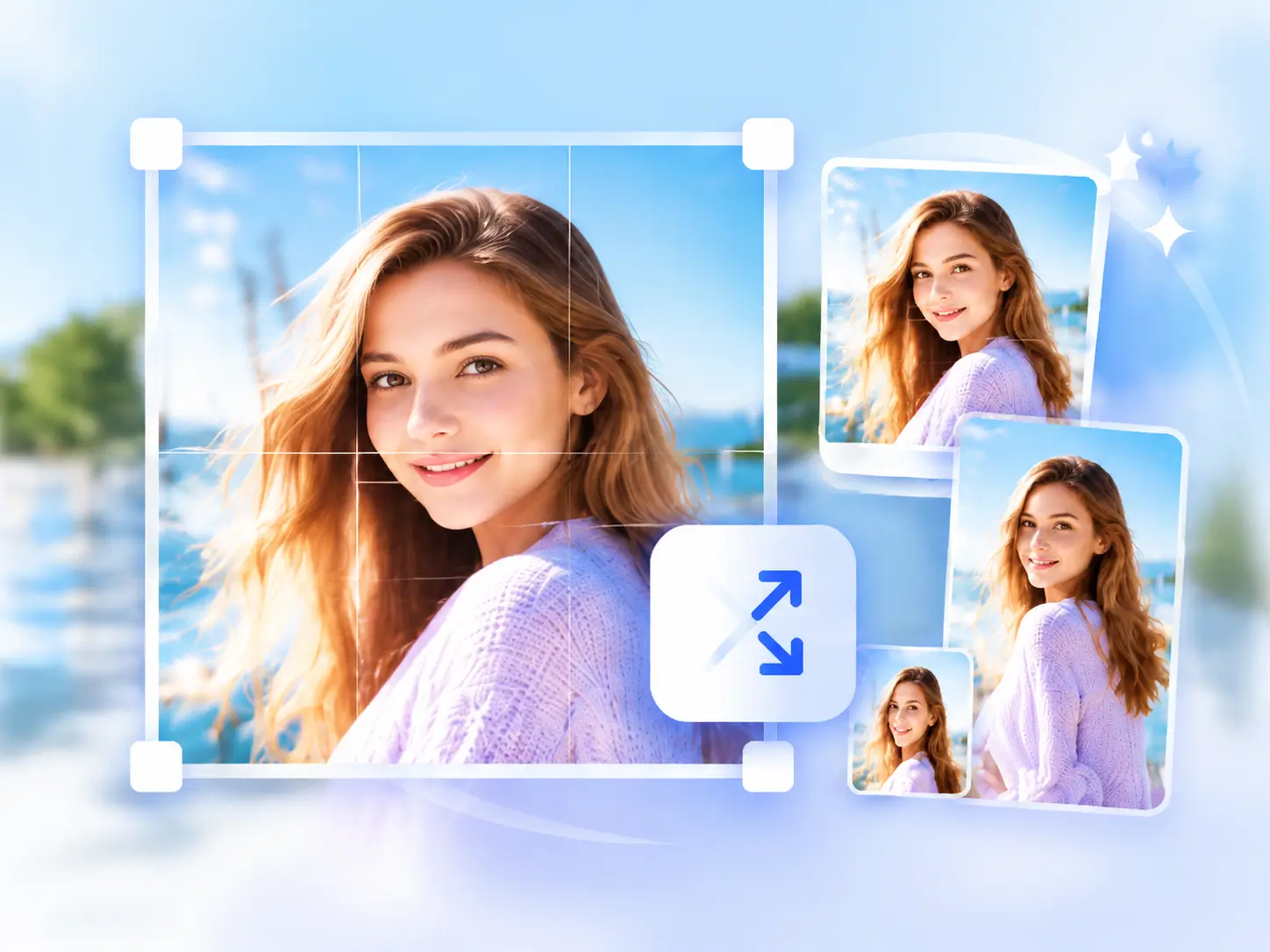
Choose a use and the size is set automatically.

Create every size you need from the same photo.
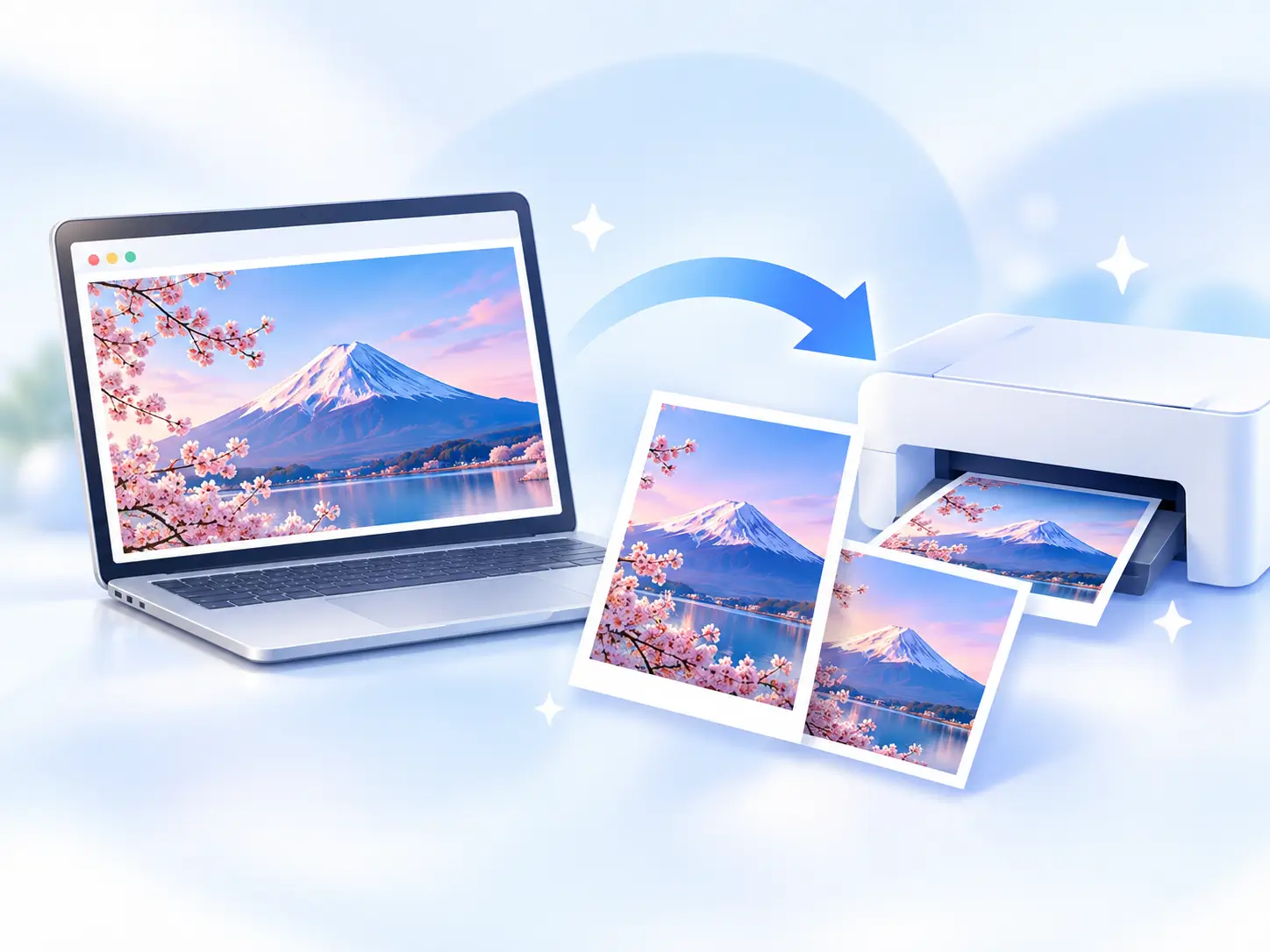
Save files for applications or photo printing.
Processed in your browser and never stored.
Common questions about sizing, digital files and printing.
It is a commonly used size. If a company or application specifies another size, follow that requirement.
Yes. Switch to a digital preset or enter a custom width and height, then choose JPG or PNG.
Choose the print preset and print at actual size (100%). Turn off options that enlarge or fit the image to the page.
Yes. Keep the same photo and switch between resume, web, profile and print sizes whenever you need.
Adjust it to the right size in just a few steps.